Passport, visa & ID photos.
Without the booth.
Choose a document, add a phone photo, and get a correctly sized picture you can print or submit. Cropping and background cleanup happen on your device. No account, no watermark, no fee for document photos.
- 64 passport, visa and ID sizes
- Face auto-align + 11-point check
- Print sheets · JPG & PDF
- AI credits from $9
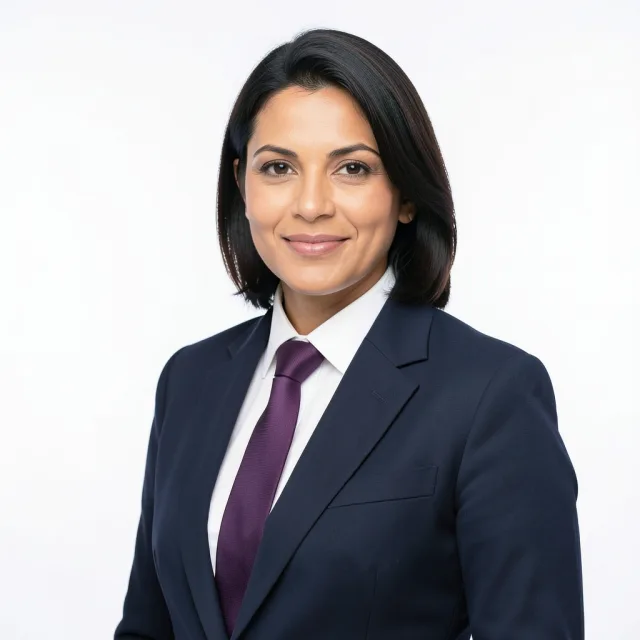

One studio. Every photo desk.
Published sizes and framing guides for the documents people actually apply for — with a custom size when yours is not on the list.
Passport photos
Pick a country, align the head to the guide, then print an exact 2 × 2 in or 35 × 45 mm picture.
Visa photos
US, Schengen, UK, China and more. Keep the head size and background inside the published window.
ID photos
Green cards, national IDs, 1-inch and 2-inch forms — including a custom millimetre size.
From camera roll to print-ready.
A quiet four-step workflow. No upload queue, no account, no watermark on the way out.
Choose the document
We set the physical size, exact pixels, head-height band, eye line and a sensible background colour.
Upload and align
Face detection runs locally and places the head inside the guide. Drag the picture or use the zoom slider when you want it different.
Clean the background
Pick white, off-white, light grey or any colour, then run Smart cutout. The portrait model runs on your device and handles busy rooms and hair.
Download or print
Export the photo at its exact pixel size with a 300 DPI tag, or fill a 4 × 6, 5 × 7, A4 or Letter sheet with copies.
What gets a photo sent back.
The usual reasons are not mysterious. Head too small, eyes in the wrong place, a shadow behind the ear, or a print scaled to fit the paper.
Head size and eye line
Turn on the guide to see the head band and eye line, then run a local 11-point check: face count, head height, eye line, centering, roll, eye distance, sharpness, lighting, background evenness and colour, and resolution.
Background, cleaned
Smart cutout uses an on-device segmentation model to follow hair and shoulders, even in a busy room. It downloads once and never uploads the photo.
Exact pixels, real 300 DPI
Download 600 × 600 for a US 2 × 2, or 413 × 531 for 35 × 45 mm. The JPEG carries a genuine print density tag, not an upscaled screenshot.
Print sheets that fit
Six 2 × 2 photos fill a 4 × 6 sheet edge to edge; larger papers fit more. Export the sheet as a JPG or a print-ready PDF with cut guides.
Local by design
Your passport photo never goes to a server. Crop, background, adjustments and sheet layout all run in the browser, including on a phone.
No account, no watermark
Open a document tool and finish the job. The photo desk is free forever. AI headshots live on a separate account and use one-time credit packs.
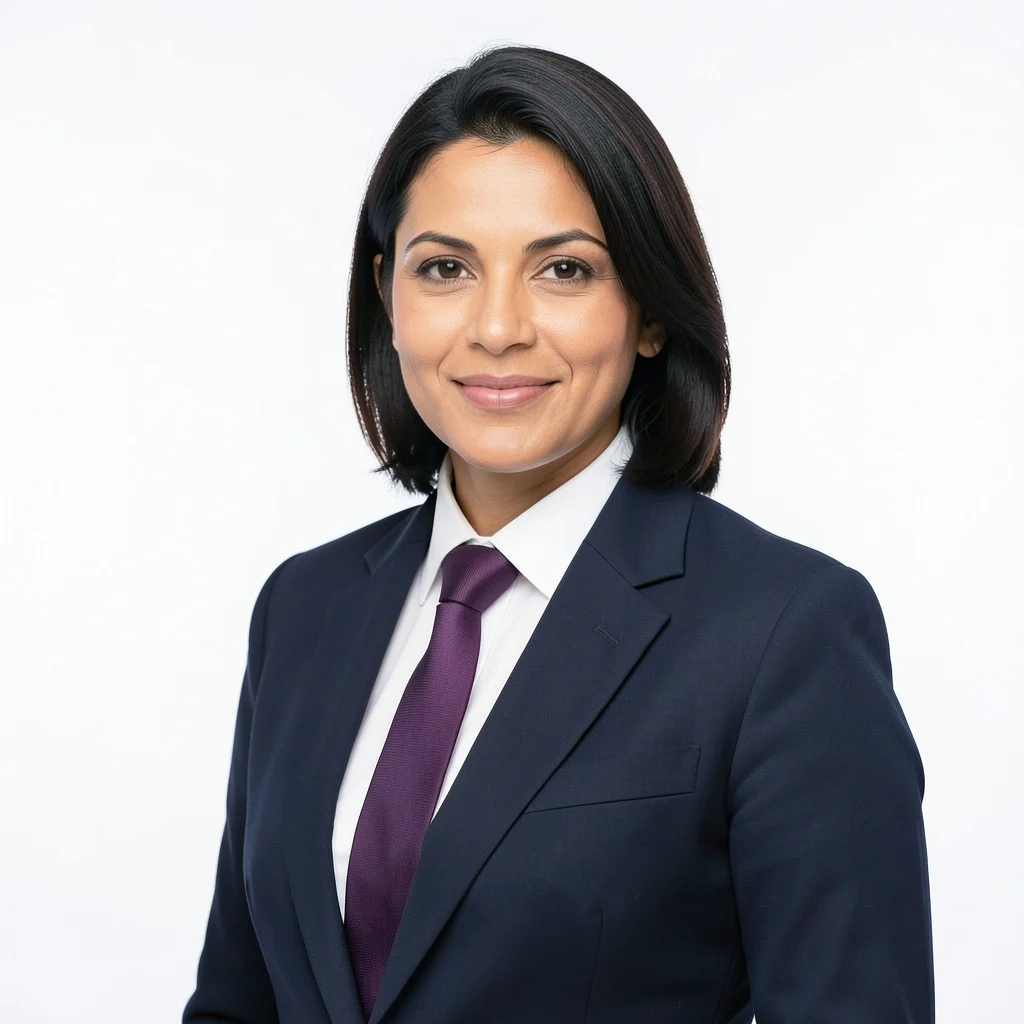
A studio headshot, from the photo you already have.
Choose a look, upload a clear portrait, and let the model handle wardrobe, light and backdrop. Your face stays yours; the studio changes around it.
- White executive studio or blue American backdrop
- One-time credit packs, no subscription
- One compressed upload, used for one edit only

Which size do I need?
Search a country, a document or a dimension. Every result opens in the photo editor with the right frame and background already set.
Before you print.
Are my photos uploaded?
No for the passport, visa and ID editors. The photo is opened, cropped, cleaned and exported inside your browser memory. There is no upload request. Only the optional AI headshot sends a compressed portrait to Cloudflare’s AI model, and only for that one edit. The local face and cutout models are downloaded to your browser once; your photo is not.
Is ID Photo Box really free?
The passport, visa and ID photo tools are free, with no account and no watermark. AI headshots are a separate paid service: sign in with Google and buy a one-time credit pack. One successful headshot uses one credit, failed edits are refunded, and there is no subscription.
Can I print the photos at home?
Yes. Download a 4 × 6, 5 × 7, A4 or US Letter sheet and print on photo paper at 100% or actual size. Turn off “fit to page” or “scale to fit”. Use the cut guides, and let the print dry before cutting.
What if my background is busy?
The local background cleaner is designed for a plain, evenly lit wall. It removes the background connected to the frame and keeps the face and clothing; a complex room cannot be fully cut out locally. Start with a tidier photo if you can. For a full restyle, use the AI studio instead.
Can I use a phone photo?
Yes. Stand facing a window or an even light, keep the phone at eye level, and leave space around the head. Avoid beauty filters, strong shadows, tinted glasses and a hat. The editor will guide the crop, but it cannot add detail that the camera never captured.
Will the photo be accepted?
The guides follow published requirements and link to the issuing authority where we could verify a stable source. Rules change, and the authority has the final say. Check the current guidance for your exact document before submitting or printing.
Your next photo can take five minutes.
Pick a document, use the photo you already have, and leave with a print-ready file. No queue, no booth, no watermark.